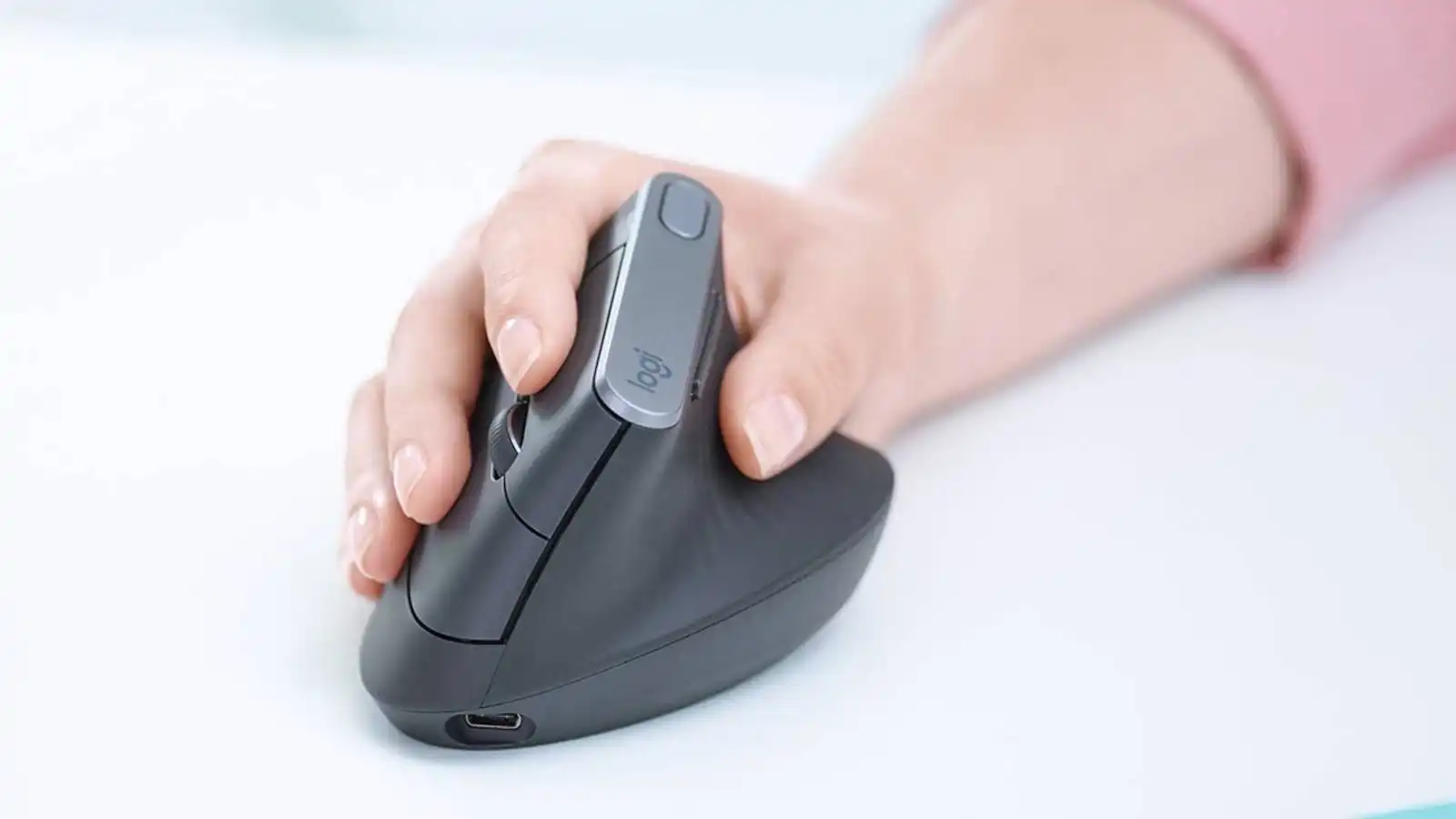
Look, I’ve seen this problem a thousand times—people upgrade their CPUs, GPUs, even RAM… but ignore the one device they touch all day: the mouse.
Then wrist pain starts.
Here is the real talk about why your rig is acting up: your traditional mouse forces your wrist into an unnatural pronation angle. Over time, that leads to strain, fatigue, and even repetitive stress injuries.
In this expert-level guide from fixrig.xyz, I’ll break down the best vertical mouse for wrist pain, explain the hardware science behind it, and help you choose the right one based on your setup.
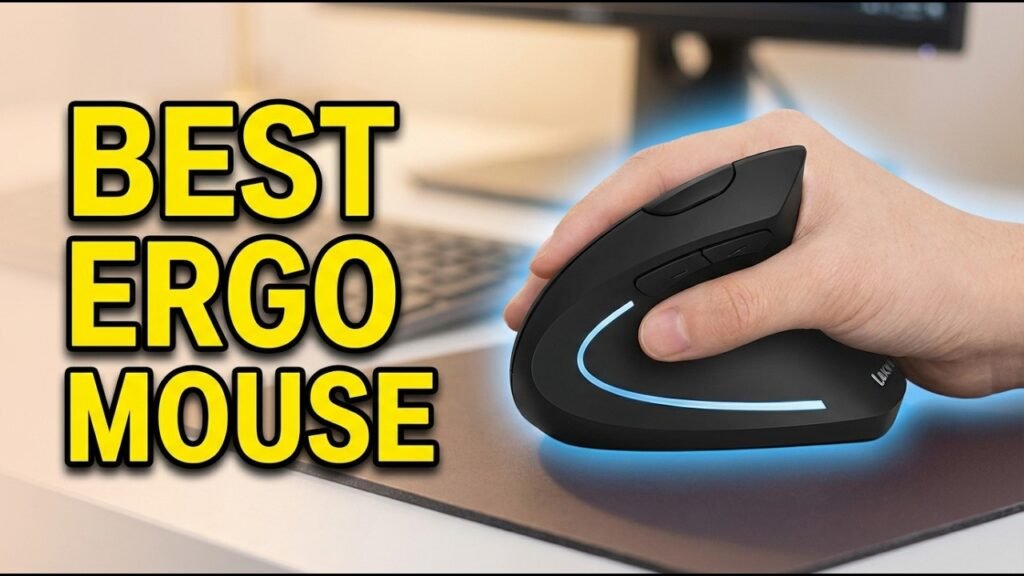
Why Wrist Pain Happens (Hardware Perspective)
The Problem with Traditional Mice
Standard mice force your wrist into a flat position:
- Palm facing downward
- Radius and ulna bones twisted
- Constant tension on tendons
This creates long-term strain.
How Vertical Mice Fix It
Vertical mice rotate your hand into a natural handshake position:
- Neutral wrist posture
- Reduced muscle tension
- Better long-term comfort
It’s not hype—it’s biomechanics.
Common Symptoms of Wrist Strain
If you’re dealing with:
- Wrist pain after long sessions
- Tingling or numbness
- Reduced grip strength
- Fatigue during clicking
Then your current mouse is part of the problem.
Tools Checklist for Ergonomic Upgrade
Before switching, consider:
- Desk height alignment
- Proper chair support
- Mouse pad with wrist rest
- DPI adjustment capability
Pro tip: Hardware alone won’t fix posture—but it’s a major step.
Best Vertical Mouse for Wrist Pain (2026 Hardware Review)
1. Logitech MX Vertical Advanced Ergonomic Mouse


7
Key Features:
- 57-degree vertical angle
- High-precision sensor (4000 DPI)
- Wireless + Bluetooth support
- Premium build quality
Best For: Professionals & remote workers
Expert Take:
This is the gold standard. Excellent sensor performance, minimal latency, and solid ergonomics.
2. Anker 2.4G Wireless Vertical Ergonomic Optical Mouse


6
Key Features:
- Budget-friendly
- 800–1600 DPI settings
- Comfortable grip
Best For: Beginners
Expert Take:
Affordable and effective—but build quality is average.
3. Evoluent VerticalMouse D


6
Key Features:
- True vertical design
- Adjustable pointer speed
- Wired & wireless options
Best For: Long working hours
Expert Take:
Pure ergonomics-focused design. Slight learning curve, but worth it.
4. J-Tech Digital Scroll Endurance Vertical Mouse


5
Key Features:
- Detachable palm rest
- Adjustable DPI
- Unique design
Best For: Maximum wrist support
Expert Take:
Great for users with severe wrist pain.
Comparison Table: Best Vertical Mice (2026)
| Mouse | DPI | Connectivity | Comfort | Price Tier |
|---|---|---|---|---|
| Logitech MX Vertical | 4000 | Bluetooth/USB | Excellent | Premium |
| Anker Vertical Mouse | 1600 | USB | Good | Budget |
| Evoluent VerticalMouse D | 3200 | Wired/Wireless | Excellent | Premium |
| J-Tech Digital | 2000 | USB | Very Good | Mid-range |
Step-by-Step: How to Transition to a Vertical Mouse
Step 1: Adjust Desk Ergonomics
- Keep elbow at 90° angle
- Align mouse with shoulder
Step 2: Set Proper DPI
- Start with medium sensitivity
- Adjust based on comfort
Step 3: Practice Grip Technique
- Don’t squeeze the mouse
- Keep relaxed hand position
Step 4: Take Breaks
- Every 30–60 minutes
- Stretch wrist and fingers
Step 5: Monitor Improvement
- Track pain reduction
- Adjust setup if needed
This proccess takes time—don’t expect instant perfection.
Advanced Optimization (2026 Setup Standards)
Combine with Ergonomic Keyboard
Vertical mouse + split keyboard = best results.
Monitor Arm Position
Your arm should not hover or stretch.
Reduce Clicking Force
Heavy clicking increases strain over time.
Common Mistakes to Avoid
Switching Overnight
Your muscles need time to adapt.
Ignoring Posture
Mouse alone won’t fix bad sitting habits.
Buying Cheap Clones
Low-quality sensors reduce productivity.
Using Wrong DPI
Too high or too low causes strain.
Real-World Scenarios
Problem: Wrist pain after long work hours
Solution: Logitech MX Vertical
Problem: Budget constraint
Solution: Anker Vertical Mouse
Problem: Severe wrist strain
Solution: J-Tech with palm support
Pro Tips from a Hardware Engineer
- Invest in ergonomics before performance upgrades
- Keep firmware and drivers updated
- Use smooth mouse pads
- Maintain neutral wrist alignment
And here’s something most guides won’t tell you:
Your desk height matters just as much as your mouse—bad alignment cancels ergonomic benefits.
When to Upgrade Your Setup
Upgrade if:
- Pain persists despite adjustments
- Current mouse feels unnatural
- You work long hours daily
At that point, your ignoring the root cause.
Final Thoughts: Small Change, Big Impact
Switching to the best vertical mouse for wrist pain isn’t just a comfort upgrade—it’s a long-term health investment.
Better posture.
Less strain.
Higher productivity.
CTA: Upgrade Smart with fixrig.xyz
At fixrig.xyz, we help you optimize your entire setup—not just fix problems.
Still confused about which vertical mouse fits your workflow? Or your setup still causing wrist pain?
Drop your desk setup and usage details in the comments—and let’s fix your rig the right way.
Because performance isn’t just about speed… it’s about comfort too.
Leave a Reply